Founder Launch Offer
The first 5,000 users receive lifetime free access to all future Pro features, plus an exclusive Founder Badge as recognition for early support.
Edit, refine, and transform images with a fast workflow built for real projects. Remove backgrounds, apply presets and effects, discover stock assets, and upscale quality with AI.
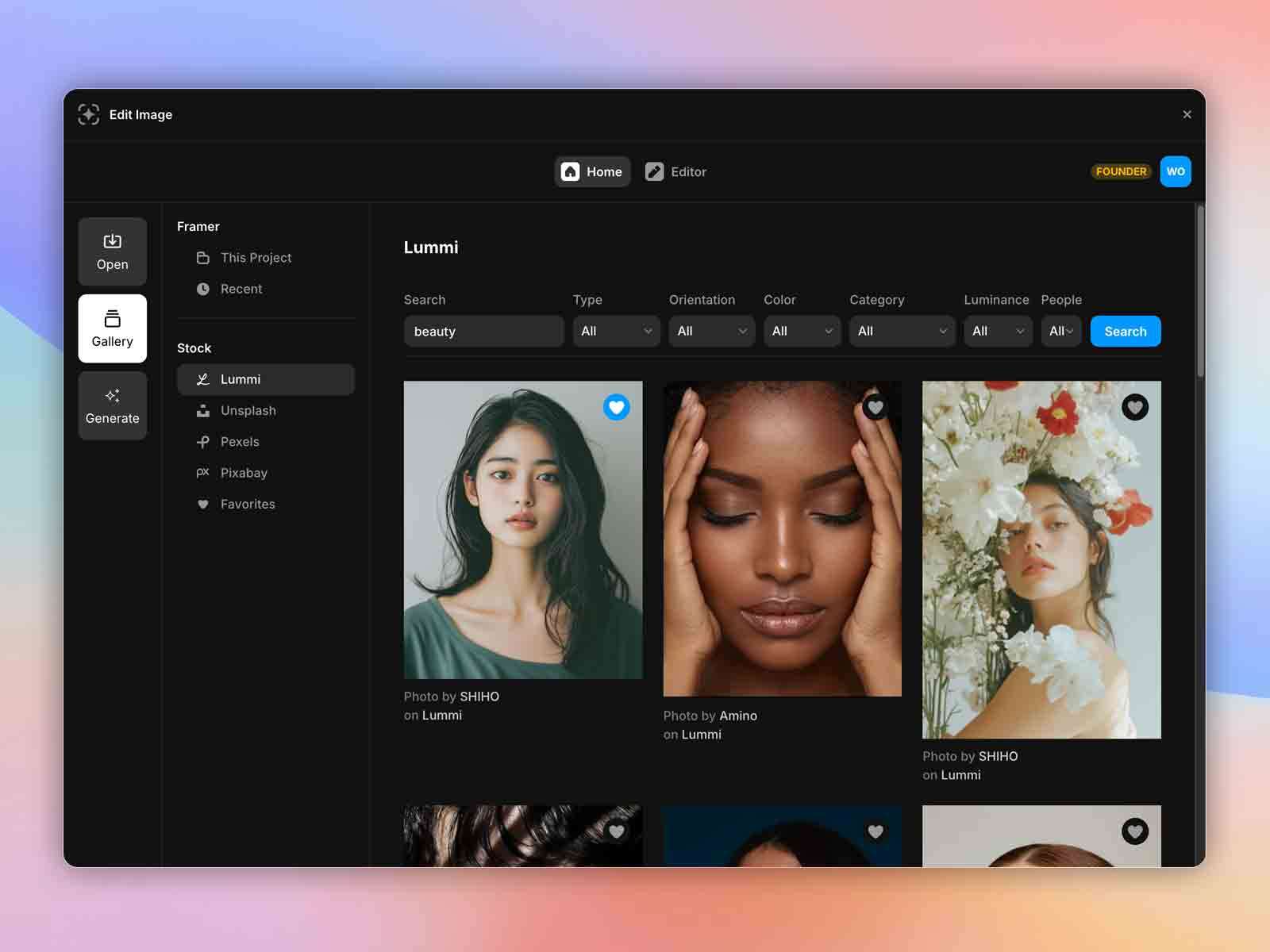 Fast, clean, production-ready edits
Designed for speed and precision, Edit Image combines practical editing tools with AI-powered enhancements and asset discovery in one streamlined environment.
Edit Image is available in the Framer Marketplace, bringing the same high-quality editing, presets, effects, and AI upscaling directly into your design workflow.
Work without context switching and keep production speed high inside Framer.
View Plugin on FramerExplore the interface and editing flow with selected screens from the product experience.
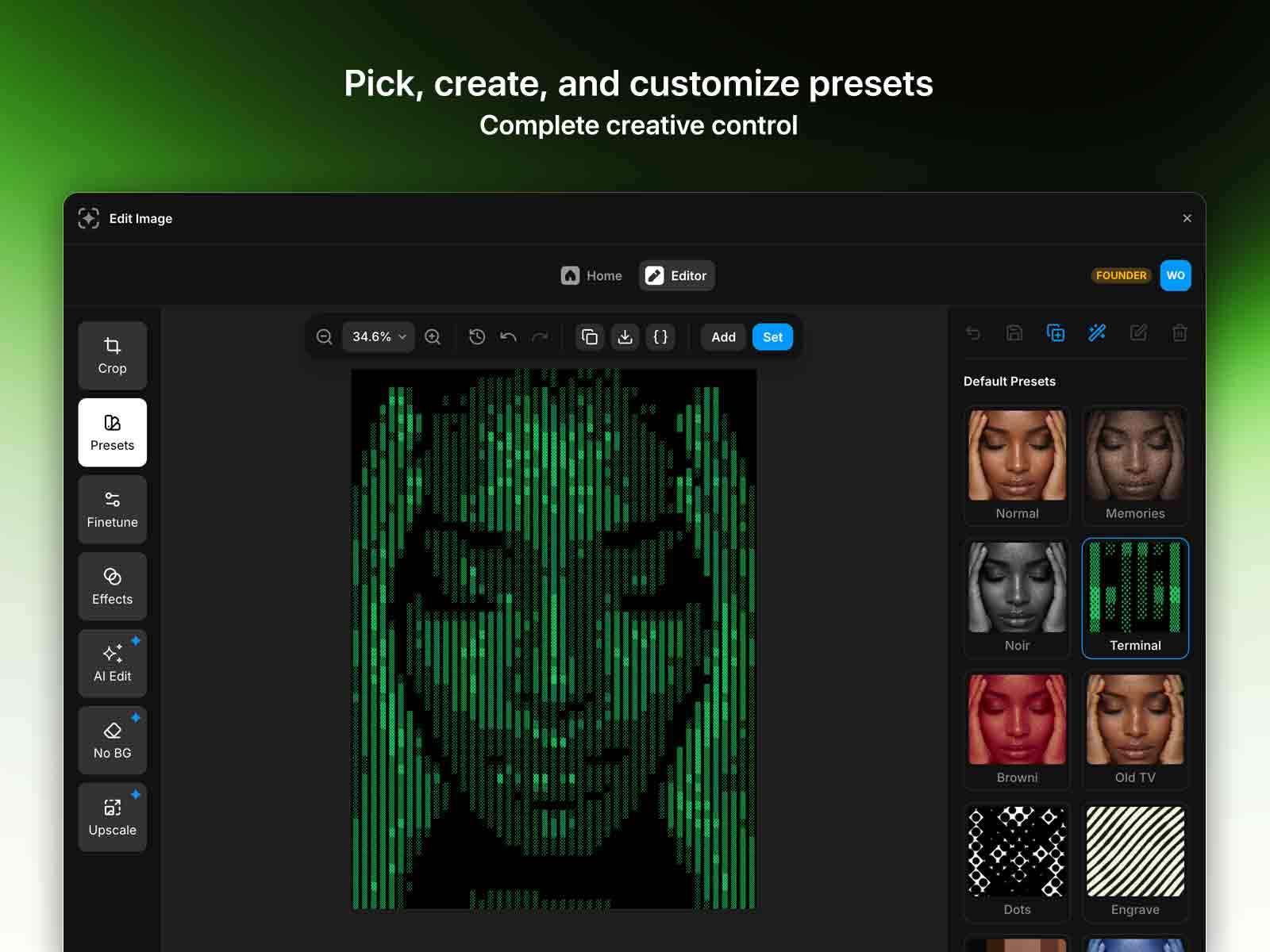
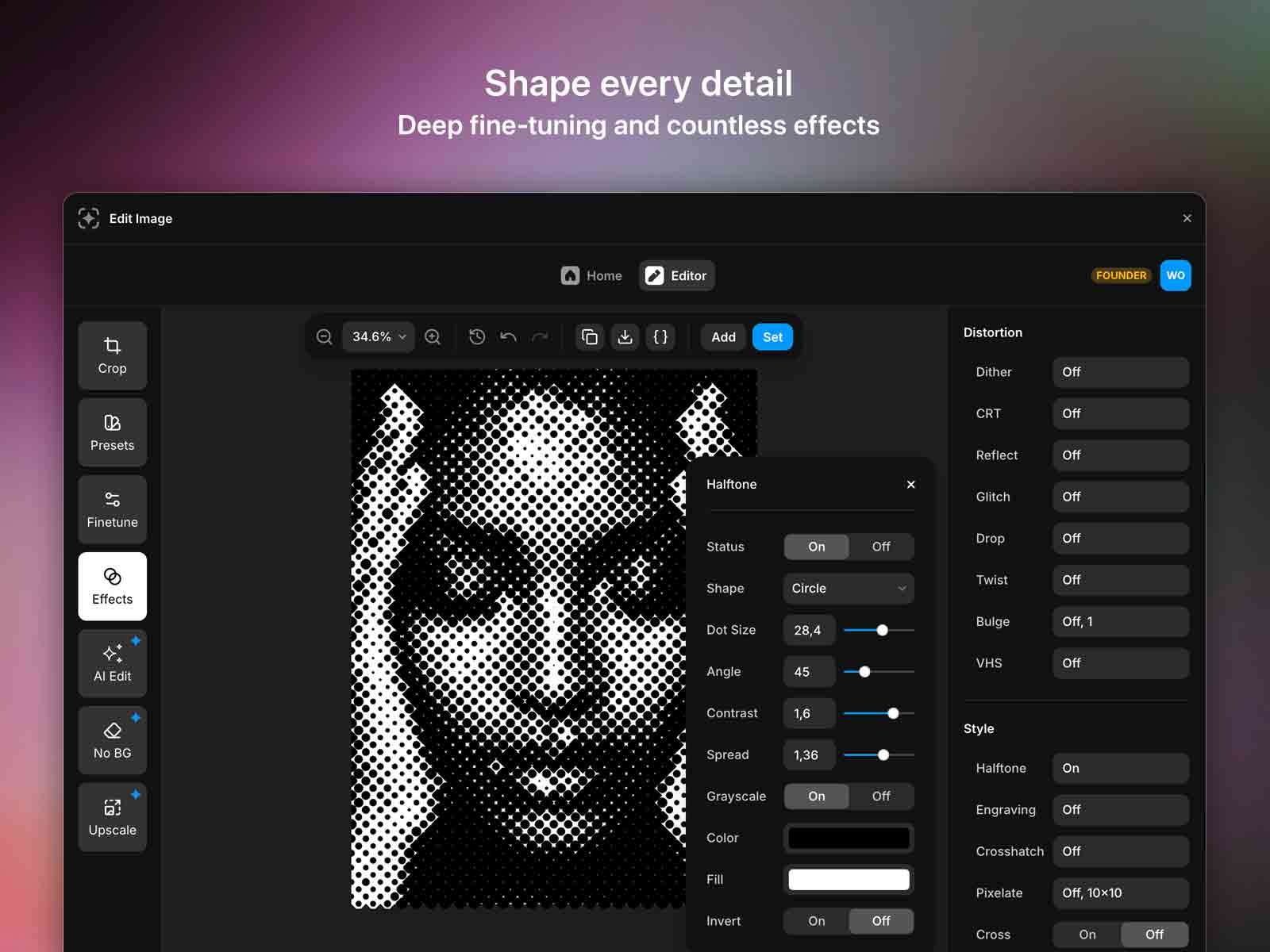
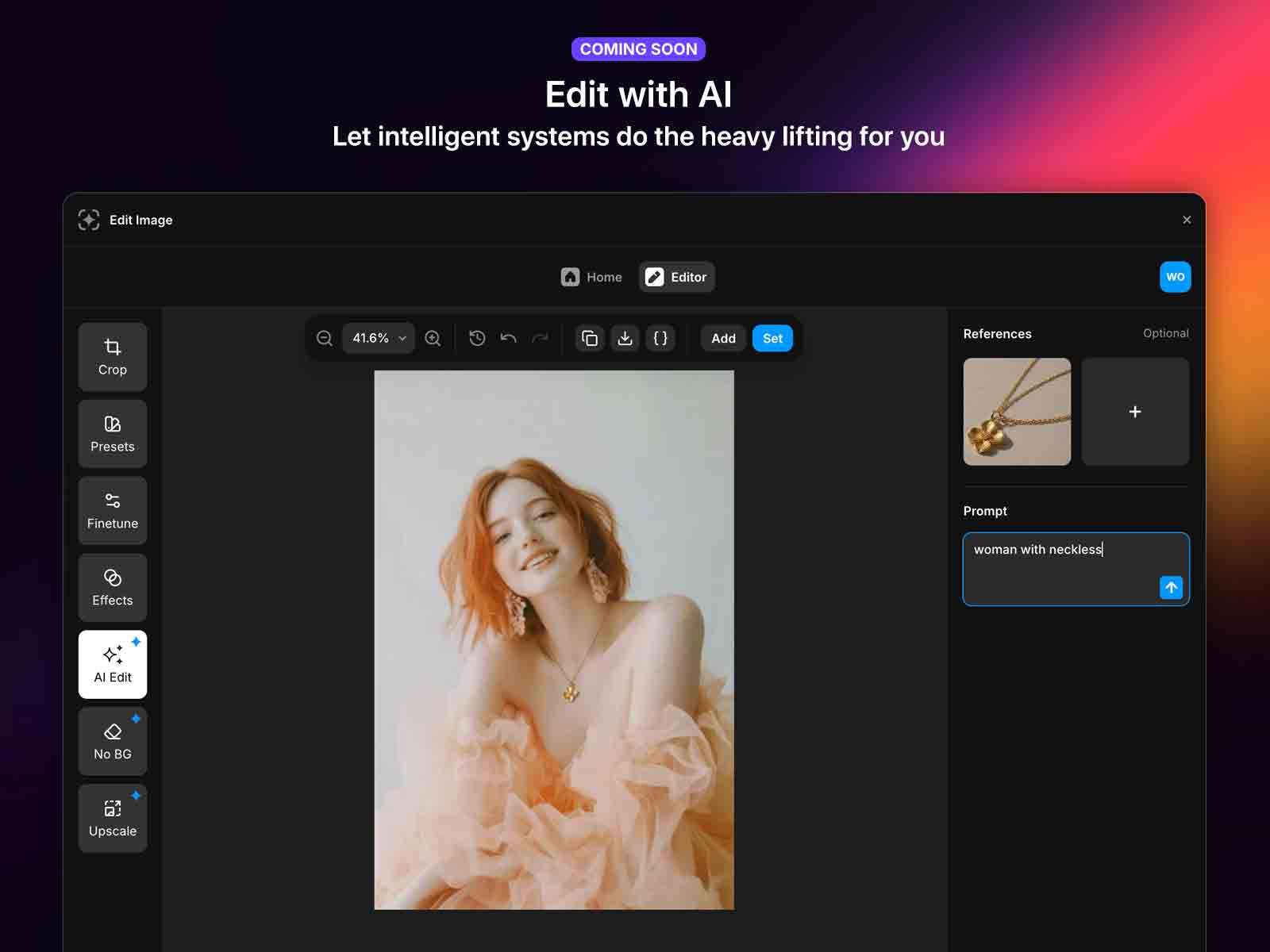
The first 5,000 users receive lifetime free access to all future Pro features, plus an exclusive Founder Badge as recognition for early support.
Open Edit Image in your browser and turn rough visuals into production-ready assets with a fast, focused workflow.